Can You Use a Dry Bag for a Laptop?
Yes, you can carry a laptop in a dry bag, but only with three conditions met: the machine goes into a padded sleeve first, the bag is rated at least IPX7, and you size it roughly two sizes up from the bare laptop. A 14-inch laptop occupies about 1.2 litres but needs a 10L bag so the roll-top can close without pressing on the lid, and nothing in that arrangement should sit above 45 °C, the practical storage ceiling for a lithium cell.
Water is rarely what kills a laptop on the road; crushing, sand in the ports and trapped condensation do far more damage. This answer covers the size maths for 13-, 14- and 16-inch machines, what an IPX7 result does and does not promise, how hot a sealed black bag actually gets in a parked car at 30 °C ambient, why a dew point can form inside a bag that never leaked, and the exact order to pack for airline screening.
- The short answer, with the three conditions attached
- Which sizes fit which laptop
- Sleeve first, always: crush versus soak
- What IPX7 does and does not promise
- Heat: the failure mode nobody plans for
- Condensation: the dew point inside a bag that never leaked
- Salt air, ports and the corrosion nobody sees for months
- Airport screening with a bagged laptop
- Commuting, travelling or boat deck: three different risks
- Packing order that actually protects the machine
- Dedicated laptop bags versus a roll-top you already own
- When a dry bag is the wrong answer
- Checklist before you trust it on the road
The short answer, with the three conditions attached
A dry bag protects against liquid water, not against pressure, heat or impact. Those are three separate problems and only one of them is solved by welded seams. So the answer is yes provided you add a padded sleeve for impact, choose a bag rated IPX7 rather than merely water-resistant, and size the bag so that closing it never squeezes the lid of the machine.
Do those three things and a roll-top bag is genuinely better than a laptop backpack in a downpour, because a three-fold closure has no zip channel for water to run down and no gutter above the device. Skip any one of them and you have moved the risk rather than removed it: an unsleeved laptop in a bag rated only IPX4 will survive nothing useful, and a sleeved laptop in an undersized bag arrives with a cracked screen.
Numbers help here. A 14-inch laptop measures around 320 x 220 x 18 mm and weighs 1.4 to 1.6 kg with its charger. Add a 12 mm padded sleeve on every face and the package becomes roughly 345 x 245 x 42 mm and about 1.5 litres. That package needs a bag mouth wider than 350 mm and internal space around it, which in practice means 10 litres, not five.
Which sizes fit which laptop
Sizing is about the mouth and the flat area, not litres alone. A long, flat object needs a bag whose base panel is longer than the object and whose closure can roll above it without pressing down. The bag maker publishes length and width; compare the longest internal dimension against 20 mm more than your sleeve measurements and ignore the litre figure until that check passes.
| Machine | Body size | In a padded sleeve | Smallest sensible bag | Note |
|---|---|---|---|---|
| 13-inch ultrabook | 300 x 210 x 15 mm | 325 x 235 x 40 mm | 8 L | Roll three times without pressure |
| 14-inch laptop | 320 x 220 x 18 mm | 345 x 245 x 42 mm | 10 L | The common choice |
| 16-inch laptop | 360 x 250 x 20 mm | 385 x 275 x 45 mm | 20 L | Needs the wider base panel |
| Tablet plus keyboard | 280 x 215 x 10 mm | 300 x 240 x 35 mm | 5 L | Easy fit, watch corners |
| Laptop plus charger brick | see above | add 0.3 L | one size up | Never let the brick press the lid |
Notice the jump from 14-inch to 16-inch. It is not linear, because a wider machine also needs a wider base panel and the volume of the bag grows faster than the device does. Anyone tempted to buy a 10L bag for a 16-inch laptop will find that the roll-top closes against the lid, which is how screens get hairline cracks that nobody notices for a week.
If you routinely carry the charger brick as well as the machine, go up one further size. Brick transformers are dense, hard-edged objects, and when they end up pressed against a lid by a tight roll they act like a chisel. Keeping the brick in the same bag is fine; keeping it in the same compartment as the machine without padding between them is not.
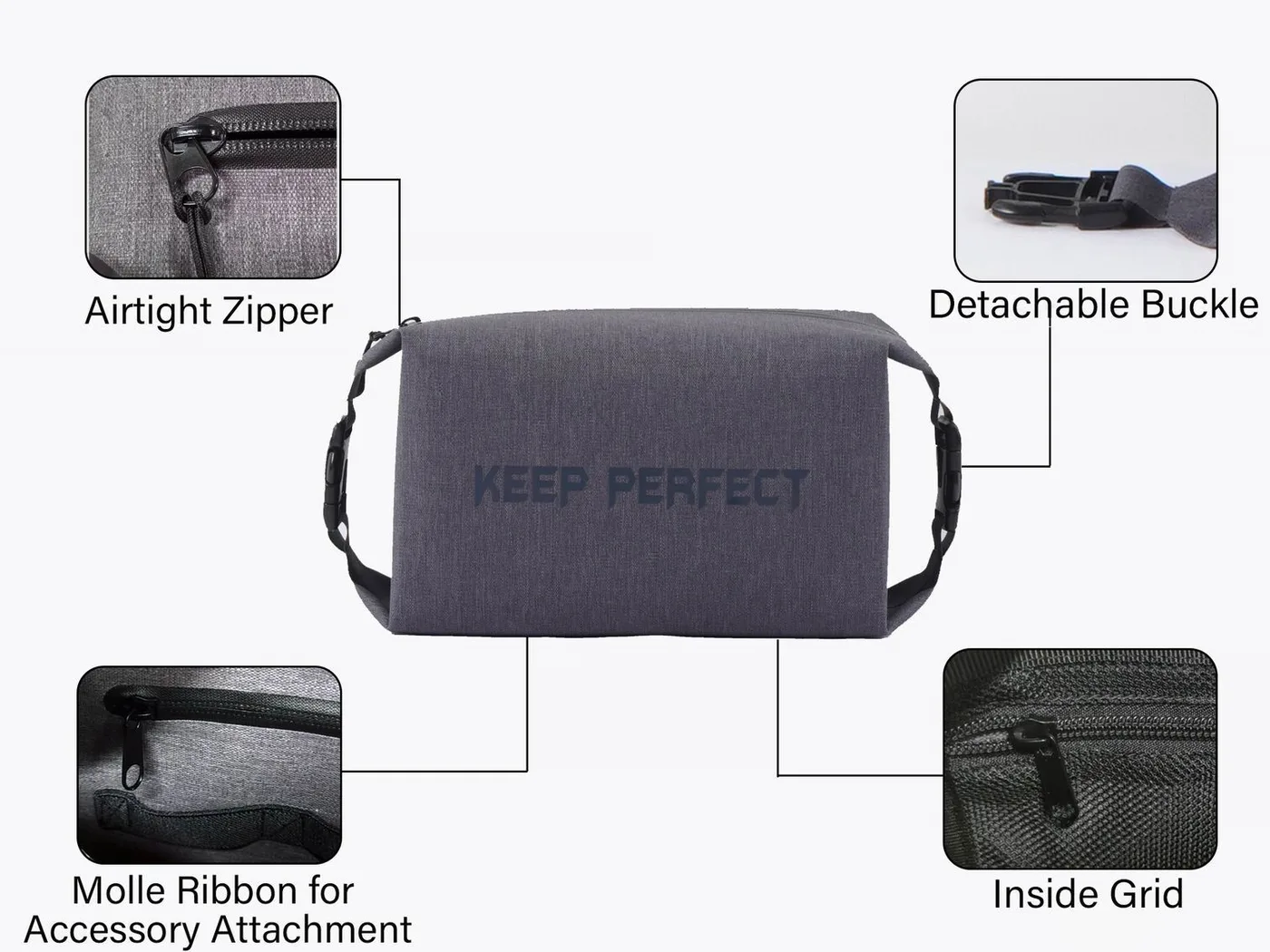
Sleeve first, always: crush versus soak
The sleeve does two jobs the dry bag cannot. It absorbs the point loads from a hard object packed beside it, and it stops the machine being flexed when you tighten a roll-top closure against it. Neoprene of 4 to 5 mm handles everyday knocks; a rigid-formed shell is needed only if the bag will go into hold luggage or onto a trailer.
Padding also buys buoyancy in the failure case that matters most. Drop a sleeved laptop into shallow water and it floats for maybe ten to twenty seconds, long enough to grab it. Drop an unsleeved machine and it sinks immediately, because there is no trapped volume anywhere in a closed aluminium or magnesium chassis to keep it up.
What IPX7 does and does not promise
Grades such as IPX7 are defined by the IEC in the 60529 standard, and they describe a specific test rather than a lifestyle guarantee. IPX7 means the enclosure survived immersion at about one metre for thirty minutes in the laboratory, with the product oriented as agreed and with fresh, still water at room temperature.
Read that carefully. It says nothing about being squeezed at two metres under a breaking wave, nothing about twenty minutes of jet spray from a bow at 30 km/h, and nothing about abrasive salt crystals working into a fold. It is an excellent proxy for a bag that will survive rain, capsizes and a soaking in a puddle, which covers nearly all laptop scenarios.
The other half of the promise is that grades describe ingress, not intelligence. Sealing a machine into a bag does not protect it from heat, condensing humidity or being sat on. Whenever anyone tells you their bag is fully protected because it has a rating, ask which clause of the standard covers being left on a dashboard in August.
Heat: the failure mode nobody plans for
Every lithium cell has a storage ceiling and a charging ceiling, and both are lower than people expect. Storage above roughly 45 °C accelerates capacity loss, and charging a pack that is already above 35 °C is worse again. A sealed black bag sitting on the passenger seat of a car parked at 30 °C ambient reaches 60 °C inside in about twenty minutes, with the windows up.
| Situation | Ambient | Inside the bag | Effect on the pack |
|---|---|---|---|
| Car parked in sun | 30 °C | 58-68 °C in 20 min | Rapid capacity loss |
| Car parked in shade | 30 °C | 38-45 °C in 40 min | Acceptable short term |
| Boat cockpit, no shade | 28 °C | 45-55 °C in 30 min | Avoid; keep it below deck |
| Beach bag on dry sand | 32 °C | 42-50 °C in 25 min | Keep it under a towel |
| Air-conditioned room | 22 °C | 22-24 °C | Safe indefinitely |
The practical rule is simple. Keep the bag out of direct sun, put it low in the boot rather than on the rear shelf, and let the machine return to room temperature before charging. Thirty minutes in a ventilated room is usually enough to take a pack from 45 °C back to below 30 °C, and charging a warm cell is the single fastest way to lose ten percent of its capacity in a season.
Condensation: the dew point inside a bag that never leaked
Air inside a sealed bag carries whatever humidity it was packed with. Close a bag at 28 °C and 80% relative humidity, then carry it into an air-conditioned room at 20 °C, and the air inside falls below its dew point at about 24 °C. Water then condenses on the coolest surface available, which is frequently the metal lid of a laptop.
This is why closing a bag in a humid place and then moving somewhere cold can produce a wet machine even though nothing entered from outside. Avoid it by pressing most of the air out before you roll, by closing the bag in the drier of the two environments if you have the choice, and by adding a small desiccant sachet if the bag will stay shut for more than a day.
Do not confuse this with a leak. Condensation appears as evenly distributed fine droplets across cold metal; a leak appears as damp patches at the base or along a seam. Wiping a machine dry and letting it air for twenty minutes deals with the first; identifying why the bag failed deals with the second. The physics of sealed enclosures are explained further in our condensation guide.
Salt air, ports and the corrosion nobody sees for months
Corrosion is a slow failure. A machine used on a boat for one season accumulates chloride residue around USB-C and HDMI ports, particularly if the bag was packed while anything was still damp. The port itself may survive, but the cable-side contact begins to pit and a perfectly good charger stops making reliable contact six months later.
Two habits remove most of it. Never put a laptop into a dry bag while either is damp; wipe and air first. Every few weeks, wipe ports with a barely damp cloth and then a dry one, and keep the machine in a sealed but not humid environment when it is not in use, since airtight and dry are not the same condition.
Airport screening with a bagged laptop
Screening is straightforward if you plan the order. Most checkpoints require laptops out of bags and in a tray of their own, so the machine must be reachable without unpacking anything else. Keep it flat against the back panel of a waterproof backpack rather than buried under clothing at the bottom of a roll-top.
Roll the closure open fully rather than leaving it clipped, because a closed opaque bag invites a manual search and manual searches take minutes you may not have. Officers can see straight through a wide-open roll-top, which is the closest thing in the bag world to a fast lane. Re-pack on the far side of the belt, not at the tray, if the queue behind you is long.
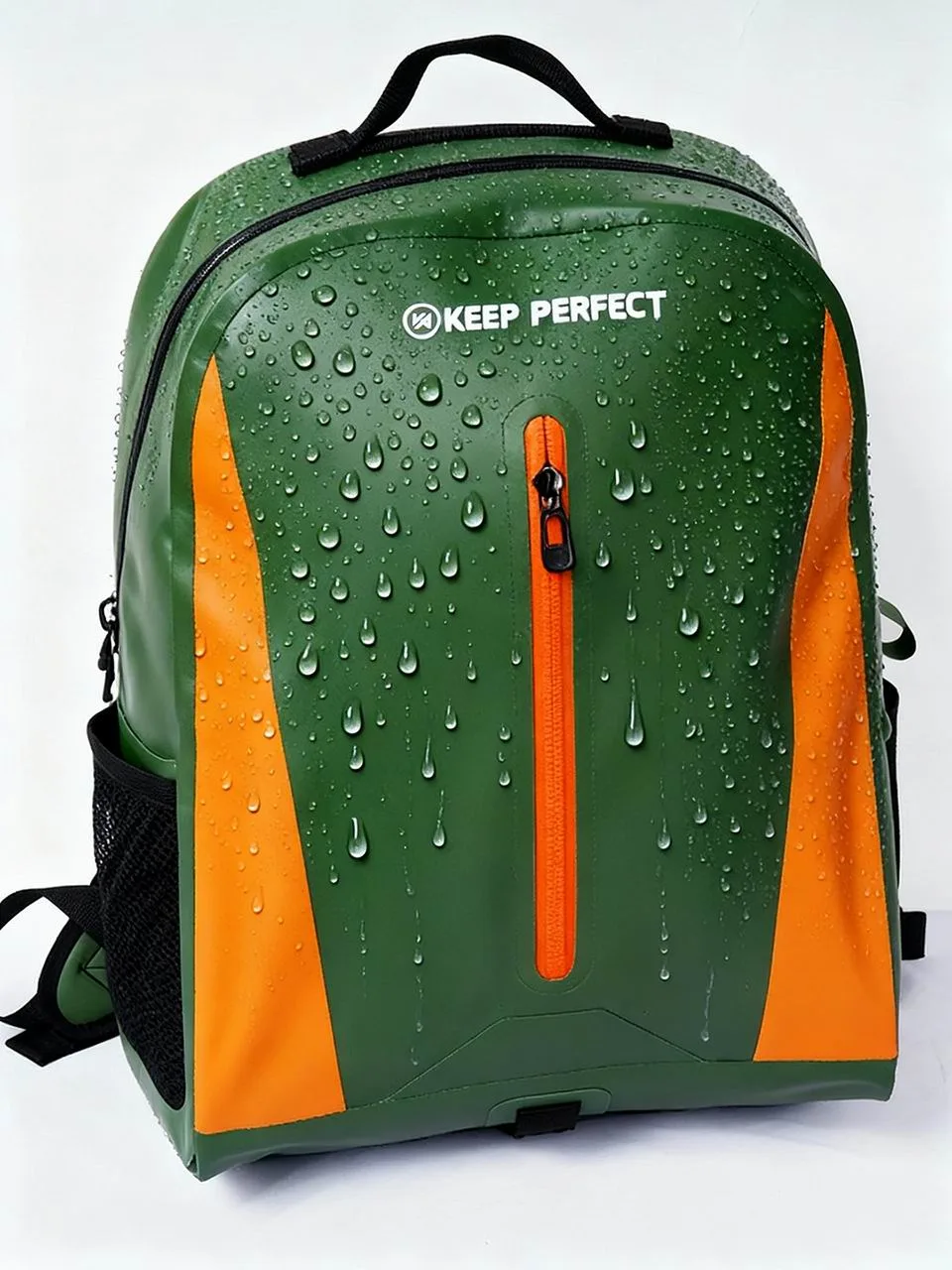
Commuting, travelling or boat deck: three different risks
The answer changes by context. A commute is a rain problem and an occasional spill problem, both of which any IPX6 bag with a sleeve handles comfortably. Air travel is a handling problem: conveyor belts, stacking and the odd torrential walk between terminal and taxi aircraft, where the sleeve does more work than the waterproof layer does.
| Context | Dominant risk | Minimum rating | Extra step |
|---|---|---|---|
| Daily city commute | Rain and spills | IPX6 | Sleeve plus consistent position |
| Air travel with transfers | Impact and handling | IPX6 | Rigid insert, carry-on only |
| Small boat or kayak | Immersion | IPX7 | Two seals: sleeve plus bag |
| Dive boat or pontoon | Salt spray and drag | IPX7 | Rinse the bag after every trip |
| Beach and pool terrace | Sand in ports | IPX6 | Close ports, brush before packing |
Notice how rarely immersion is the governing risk. Most laptops meet water in the form of rain, a spilled bottle in a bag or a wave over a dock, all of which are far gentler than a formal immersion test. Choosing IPX7 anyway costs almost nothing and removes the worry entirely, but do not let the rating distract you from padding and heat.
Packing order that actually protects the machine
- Dry everything first: bag, sleeve, machine and hands.
- Slide the laptop into its padded sleeve and check the flap is closed.
- Place the sleeve flat against the back panel or the base, never diagonally.
- Keep hard objects such as charger bricks separated by soft clothing.
- Press most of the air out before you roll; less air means less condensation.
- Roll three times along the roll line, then clip and pull the buckle tight.
- Re-check after twenty minutes of carrying; closures relax under movement.
The last step is the one people skip and it catches nearly every problem. Straps and buckles settle, and a closure that was tight at the door is often loose by the time you reach the station. A five-second re-tension costs nothing and prevents the slow slackening that lets the mouth open against your back.
Dedicated laptop bags versus a roll-top you already own
A purpose-built waterproof laptop bag has one advantage the roll-top cannot match: geometry. A dedicated sleeve panel holds the machine flat against the body, usually suspended a few millimetres off the base so a drop onto the corner does not transmit straight into the chassis. That suspension is worth real money if you carry a machine daily for years.
The roll-top wins on flexibility and on total sealing. It swallows a machine one week and a wetsuit the next, it costs less per litre, and if it is properly closed it will survive actual immersion rather than merely heavy rain. Many people end up carrying both: a dry bag for the trips where water is real, and a laptop sleeve inside whatever else they use day to day.
There is also a size argument. A dedicated panel fixes you to one machine size, whereas a 20L roll-top swallows a 13-inch today and a 16-inch in three years without a new purchase. If your hardware changes often, the loose-fitting bag is the cheaper choice even though it protects marginally less well in a drop.
When a dry bag is the wrong answer
Three cases argue against it. Checked hold luggage, where a hard-sided case with foam does far better against conveyor impact. Situations above 45 °C, such as a bag left in a parked car or a bright cockpit, where a sealed film traps heat rather than reflecting it. And any scenario where you will need the machine repeatedly and quickly, because a three-fold closure is slower than a zip every single time.
A fourth case is storage rather than travel. Keeping a laptop sealed in a dry bag for months encourages trapped humidity against the machine and hides corrosion until it is advanced. For long static storage, use a breathable environment instead; waterproof does not mean climate-controlled, and the two are often confused at exactly the wrong moment.
Checklist before you trust it on the road
- Padded sleeve chosen for the exact machine size, not the nearest one.
- Bag rated IPX7 with the method named, not simply labelled waterproof.
- Internal base length at least 20 mm longer than the sleeved machine.
- No hard object able to press against the lid once rolled.
- Bag never left above 45 °C, and the machine cooled before charging.
- Machine reachable for screening without unpacking the whole load.
- Everything bone dry before it goes in, every single time.
Run that list once at home with the bag you intend to use, then trust it. Also settle the paperwork question early, because a passport and boarding card are far more valuable than the laptop; the method is set out in our documents and passport guide. Size comparisons sit in the laptop sizing article and the full method in the protection walkthrough.
Independent standards make verification easy. Test methods for enclosures and for textile performance are published by the ISO alongside many peers, so ask any seller for the report reference rather than a certificate picture. Our own line has produced waterproof bags since 2014 in an SGS-verified 4,950 m2 facility, with sampling in 6 to 10 working days and bulk in 35 to 50 days.
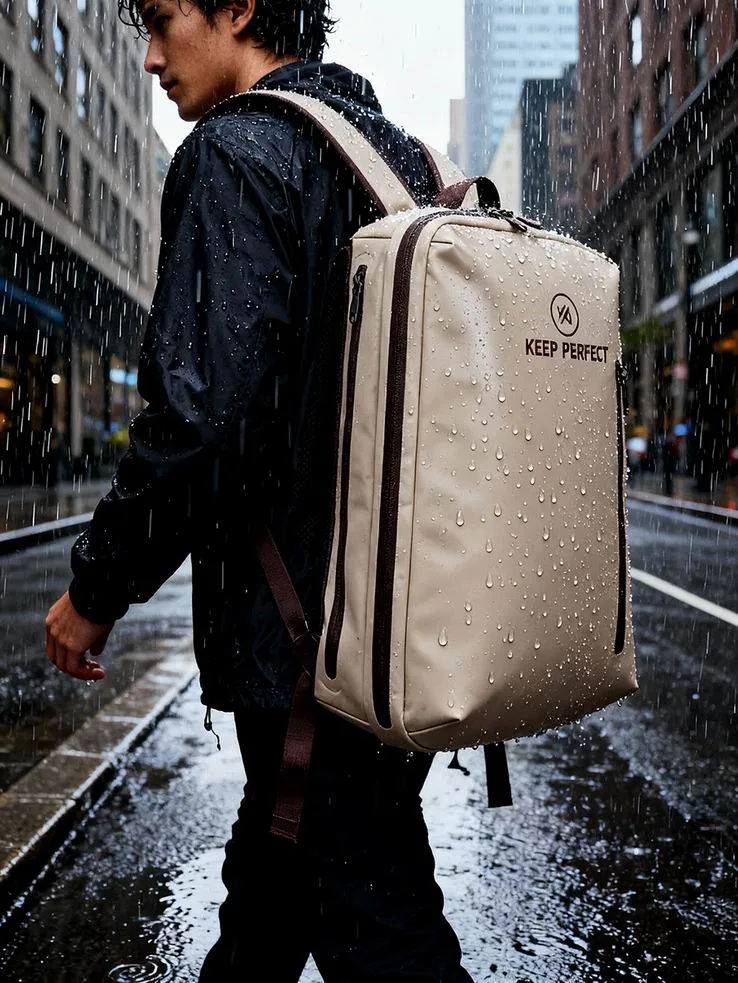
Everything above assumes one machine and one bag. If you carry two devices or a camera body as well, add a separate pouch for each, because two hard objects in one roll-top will find each other under compression. Our TPU waterproof backpack range includes padded carry formats, and the full product line shows which sizes use the same closure geometry across the platform.
Frequently asked questions
Q1. Can you use a dry bag for a laptop?
Yes, provided the machine sits in a padded sleeve, the bag is rated at least IPX7 and the bag is roughly two sizes larger than the machine. A 14-inch laptop needs a 10L bag; a 16-inch needs about 20L so the roll-top never presses on the lid.
Q2. What size dry bag fits a 14-inch laptop?
Ten litres. The machine measures about 320 x 220 x 18 mm, and a 12 mm padded sleeve takes that to roughly 345 x 245 x 42 mm. Anything smaller forces the closure onto the lid, which is how screens develop hairline cracks.
Q3. Is a dry bag enough protection on its own?
No. A dry bag handles liquid water only. Add a padded sleeve for impact, keep hard objects away from the lid and keep the whole bag below 45 °C, because crushing, heat and ports account for more laptop failures than leaks do.
Q4. Do I need IPX7 or is IPX6 fine?
IPX6 covers powerful jets such as driving rain and spray, which is most of what a laptop meets. IPX7 adds thirty minutes of immersion and costs almost nothing extra, so take IPX7 and stop worrying about it.
Q5. Will a sealed dry bag overheat my laptop?
It can. A black bag on a car seat at 30 °C ambient reaches 58 to 68 °C inside within twenty minutes, well past the 45 °C practical storage ceiling for a lithium pack. Keep it shaded and let it cool before charging.
Q6. Why is my laptop damp inside a bag that never leaked?
Condensation. Air closed at 28 °C and 80% humidity drops below its dew point in a 20 °C room, and moisture forms on the coolest metal surface, which is usually the lid. Press air out before rolling and avoid closing bags in humid air.
Q7. Can I take a laptop through security inside a dry bag?
Take it out. Most checkpoints require laptops in their own tray, so keep the sleeved machine flat against the back panel where it lifts out in seconds. Leave the roll-top open, because a closed opaque bag invites a manual search.
Q8. Should the charger go in the same bag?
Yes, but never un-padded against the machine. Charger bricks are dense and hard-edged, and under roll-top tension they behave like a chisel. Put soft clothing between brick and lid, or move up a bag size.
Q9. Is a waterproof laptop backpack better than a roll-top?
For daily commuting yes, because a suspended sleeve panel isolates drops better. For genuine water exposure a roll-top wins, since it has no zip channel and can meet IPX7. Many people carry both and swap by trip.
Q10. How hot is too hot for a lithium pack?
Around 45 °C for storage and about 35 °C for charging. Those two numbers cover most real situations and explain why a bag left in a parked car is a bigger threat than any rainstorm you will meet on the same day.
Q11. Can I check a bagged laptop in hold luggage?
Prefer not to. Hold handling is an impact problem, and a hard case with foam does it better. If you must, use a rigid insert inside a padded sleeve and expect the airline to exclude damage to electronics regardless.
Q12. Will saltwater near ports corrode my laptop?
Yes, slowly. Chloride residue builds around USB-C and HDMI mouths over a season, pitting contacts six months later. Never pack a damp machine, and wipe ports with barely damp then dry cloth every few weeks in coastal use.
Q13. Does a dry bag stop a laptop floating if it falls in?
A sleeved machine may float for ten to twenty seconds, which is usually enough to grab it. An unsleeved laptop sinks immediately, since there is no trapped volume in a closed chassis to keep it up.
Q14. How many rolls should I use for a laptop bag?
Three, always, because three folds create three contact lines for water to cross sideways. Four compresses the load unnecessarily and stresses the film. Re-tension the buckle after twenty minutes of carrying, as closures relax.
Q15. Should I store my laptop in a dry bag long term?
No. Long static storage inside a sealed film traps humidity against the machine and hides corrosion until it is advanced. Use a breathable location for storage, and save the waterproof bag for transport.
Q16. What is the safest position for a laptop inside a bag?
Flat against the back panel or the base, never diagonal and never at the bottom under heavy items. Flat keeps the load spread across the chassis instead of concentrating it on one corner, which is where flex damage starts.
People also ask
How do you waterproof a laptop for travel?
Put the machine in a fitting padded sleeve, place it flat against the back panel of an IPX7 bag, separate it from hard objects with clothing, press out excess air and roll three times. Keep the whole bag out of direct sun and cool the machine before charging.
What size dry bag do I need for a laptop?
Work from the bare machine plus 20 mm all round for padding: around 8L for a 13-inch, 10L for a 14-inch and 20L for a 16-inch. Add one size if you carry a charger brick in the same compartment as the machine.
Are dry bags airtight enough for electronics?
They are sealed well enough to keep water out, but they are not climate-controlled. Trapped humidity can condense on cold metal, so press air out before closing and avoid leaving devices sealed in a hot car where internal temperatures pass 45 °C.
Can a laptop survive being submerged in a dry bag?
With a bag rated IPX7, yes for thirty minutes at one metre under test conditions. Real conditions differ: pressure, movement and gritty folds all work against you, so treat the rating as assurance against rain and capsizes rather than deep immersion.
Do you need to remove a laptop from a bag at security?
Usually yes, because checkpoints ask for devices in their own tray. Keep the sleeved machine flat and near the opening so it lifts out quickly, and leave the roll-top unclipped so officers can see inside without unpacking everything.
What damages a laptop more, water or heat?
Heat, for most travellers. Capacity loss begins around 45 °C storage and charging above 35 °C accelerates it, while a bag rated IPX6 already handles the rain most commuters meet. Manage temperature first, then padding, then waterproofing.
Need this in production volume?
QUANZHOU JUNYUAN BAGS has produced waterproof bags since 2014 in an SGS-verified 4,950 m2 facility in Fujian, China. Minimum order 500 pieces, sampling in 6–10 working days, bulk in 35–50 days, FOB Xiamen — write to service@junyuanbags.com with your spec and target market.